
General account notifications
Overview
Notifications help keep your team informed by delivering important account and billing updates to the right people.
You can configure notifications to send alerts to:
- Specific users in your account.
- An email address (when a domain is connected).
- A Slack channel (optional, and requires Slack to be connected).
Notifications can be managed from Settings > Notifications in your account.
Billing alerts
Billing alerts notify you of important billing-related events, such as failed payments or when your account exceeds plan limits.
By default, billing alerts are sent to the billing user. However, you can choose any additional users in your account, regardless of role, or specify an email address in the notification settings.
Account alerts
Account alerts notify you of critical account activity, such as errors with data sources or journeys.
By default, these alerts are sent to the account owner. You can also add any other users, regardless of role, or specify an email address in the notification settings.
Viewing the send log (previous alerts)
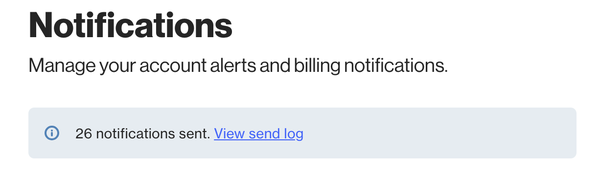
At the top of the Notifications page, you’ll see the option to View send log. If notifications have already been sent, a total count will be displayed.
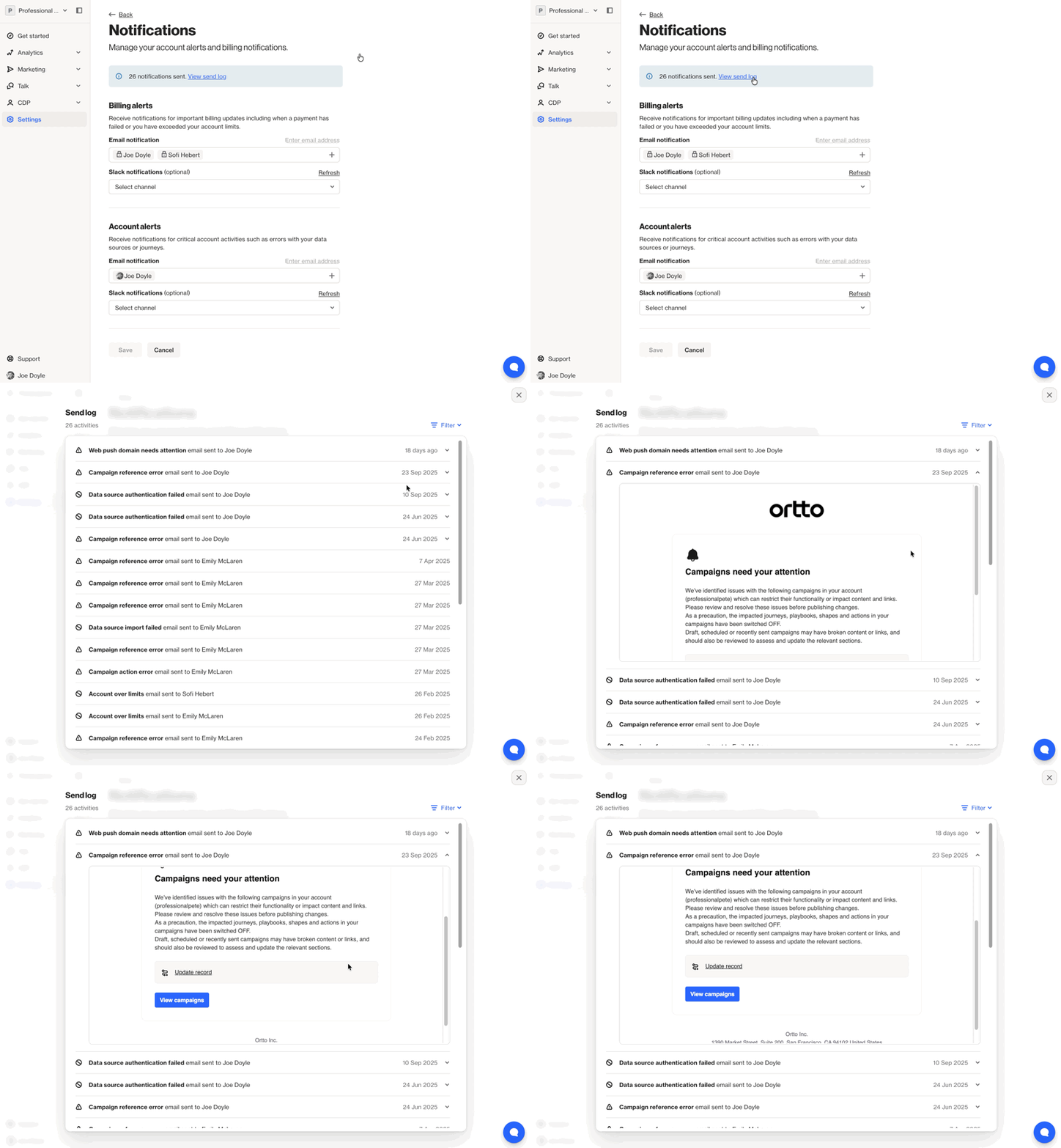
Selecting View send log opens a history of previously sent notifications, including:
- A filter to view or refine specific notifications.
- The notification name and what it relates to.
- The date the notification was sent (hover to view the exact date and time).
- An expand option to view the notification content, which may include links to related data sources, campaigns, or other areas of your account.
Slack notifications (optional)
If Slack is connected as a data source, you can select a Slack channel for billing and account alerts using the dropdown in each alert section.
For more information, see our Slack integration help article.