
Account audiences
Overview
In Ortto, you can create two types of audiences: Contact audiences and Account audiences. In this article, you’ll learn the steps to create account audiences in your account.
Contact audiences vs. Account audiences
Contact audiences allow you to create audiences based on contact-level fields and activities. They also include permissions, can be synced to destinations such as Google and Facebook, and can be used for campaigns.
- Learn more about how to create contact audiences.
Account audiences allow you to create audiences based on account-level fields and activities. They can help you better organize and segment your accounts.
- Learn more about account activities.
- Lean more about account journeys.
Creating an account audience
To create a new account audience from the Audiences page:
1. Navigate to Audiences > New audience > New account audience
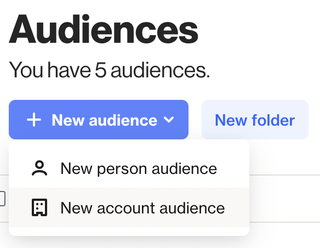
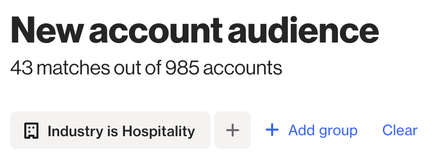
2. Use filters to find the segment of accounts you want to save as an audience. Note that accounts who meet this filter criteria will be added to the audience immediately and anyone that matches in the future will also enter.
3. Click Next. Give the audience a name and select a memorable icon.
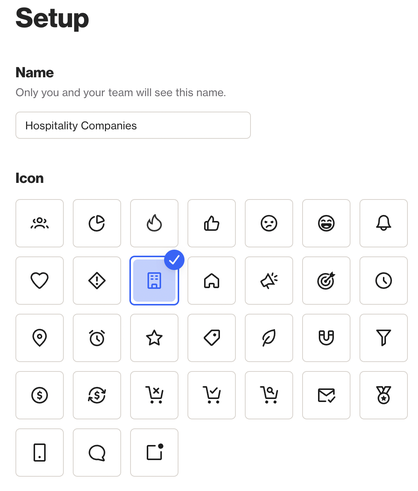
4. Click Create to complete the audience setup.
TIP: If you're planning to use account activities in your account audiences, it's important to understand how they work to ensure you get the results you expect.
If you haven't already, check out our guide on account activities.